How Does Website Speed Impact Leads, SEO, and Ads?

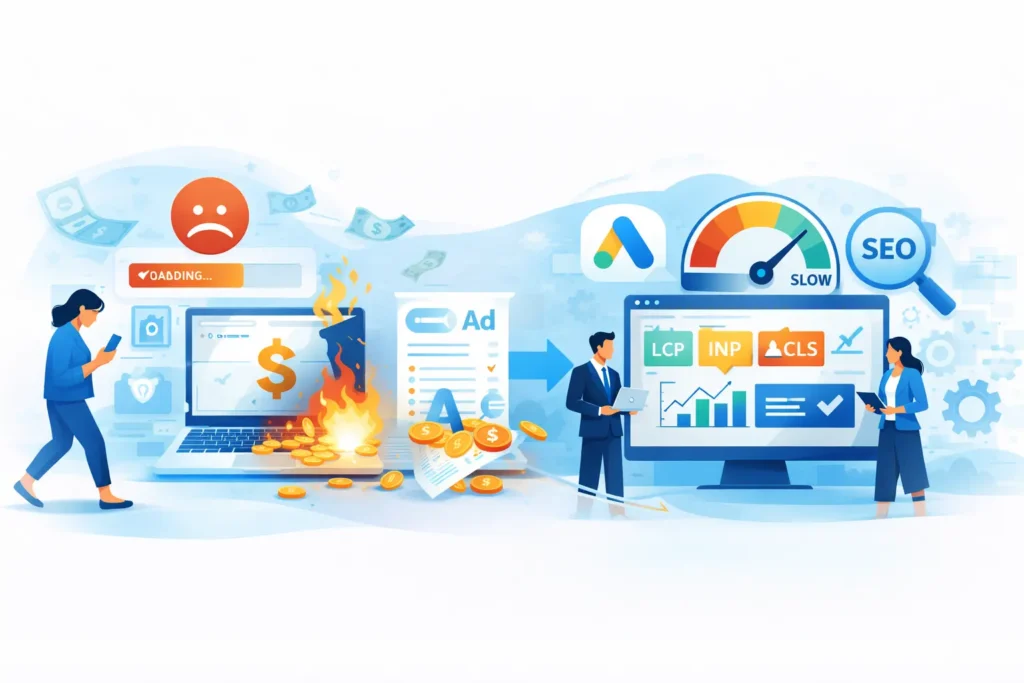
If your website is slow, you don’t just “lose a few impatient visitors.” You lose leads, you waste paid traffic, and you quietly make SEO harder than it needs to be. In 2026, speed and performance are no longer technical vanity metrics, they’re business metrics.
This guide breaks website performance into practical business outcomes, so you can connect “load time” to what you actually care about: leads, rankings, and return on ad spend. We’ll cover:
The real business cost of slow pages
Where speed fits in SEO (and what Google actually measures)
How speed impacts PPC landing page results and conversions
A practical first 7 fixes plan you can start today
1) The Business Cost of Slow Pages (Drop-offs & Wasted Spend)
Think of website speed as your “first impression.” Visitors judge your credibility before they read your headline. If the page feels sluggish, unstable, or laggy, people don’t wait, they bounce. That drop-off shows up as:
Fewer leads from the same traffic
You might already be paying for traffic (ads, SEO, referrals), but slow pages reduce the percentage of people who submit the form, book a call, or buy. In other words: your conversion rate becomes a performance problem.
Wasted ad spend and weaker marketing ROI
If you run Google Ads, Meta, or any paid campaign, slow landing pages mean you pay for clicks that never get a fair chance to convert. That’s wasted spend. Even worse, if your landing page is slow on mobile, you can burn budget quickly because mobile clicks are often the majority.
Hidden damage: trust and brand perception
Speed is a trust signal. A site that loads fast feels more modern, safer, and more reliable. Google explicitly frames “page experience” as a collection of signals aligned with a satisfying user experience, there isn’t one single magic signal, but experience matters when lots of relevant results exist.
Bottom line: A slow website isn’t just a technical issue, it’s a revenue leak.
2) Speed and SEO: Where Performance Fits
Let’s clear up a common misunderstanding:
Speed alone doesn’t guarantee rankings.
But poor performance can hold you back, especially when competition is high and multiple sites have similarly relevant content.
Google explains that there’s no single “page experience signal,” but their ranking systems use a variety of signals that align with overall page experience, and Core Web Vitals are used by their ranking systems.
What Google actually measures: Core Web Vitals (CWV)
Today, the primary user-experience performance metrics are:
LCP (Largest Contentful Paint): how fast the main content appears
INP (Interaction to Next Paint): how responsive the page feels when users tap/click
CLS (Cumulative Layout Shift): how much the page “jumps” or shifts visually
PageSpeed Insights confirms the Core Web Vitals set as INP, LCP, and CLS and describes how “passing” is assessed using the 75th percentile of real-user data.
Lab data vs field data (this is where many people get it wrong)
When you test performance, you’ll see two kinds of data:
Lab data (Lighthouse): a controlled simulation
Field data (real users): what actual people experience
Google’s Chrome UX Report (CrUX) is a dataset that reflects real-world Chrome user experience, and it includes Web Vitals metrics.
And Google’s guidance on measuring Web Vitals emphasizes that real user monitoring (field data) is what’s used to determine whether a site meets recommended thresholds.
Practical SEO takeaway:
If Lighthouse improves but real users still experience slow loads (especially on mobile), your rankings and organic conversions may not improve much. For SEO wins, you want improvements that affect field data over time.
3) Speed and PPC: Landing Page Experience & Conversions
Paid traffic is unforgiving. If you’re sending clicks to a slow page, you’ll feel it immediately in your numbers.
Google Ads provides a “Landing pages” area where you can review your landing pages and identify whether pages provide a better experience on mobile, including mobile-friendliness and other checks.
Why performance matters more in PPC
With SEO, some visitors might still tolerate a slower site because they’re “researching.” With PPC, many clicks are cold traffic. If the page doesn’t load quickly and clearly deliver the promised offer, users leave—and your campaign performance suffers.
Performance impacts PPC outcomes through:
Lower conversion rate (CVR): fewer forms, calls, purchases
Higher cost per lead: you pay the same per click but convert less
Weaker scalability: you can’t scale spend efficiently without fixing the page
Also, mobile matters a lot. Google Ads guidance on mobile optimization stresses making your site easy to use and quick to load on mobile devices.
Practical PPC takeaway:
The fastest way to improve campaign results is often not “new ads”—it’s fixing the landing page experience.
4) A Practical “First 7 Fixes” Speed Plan (Start Here)
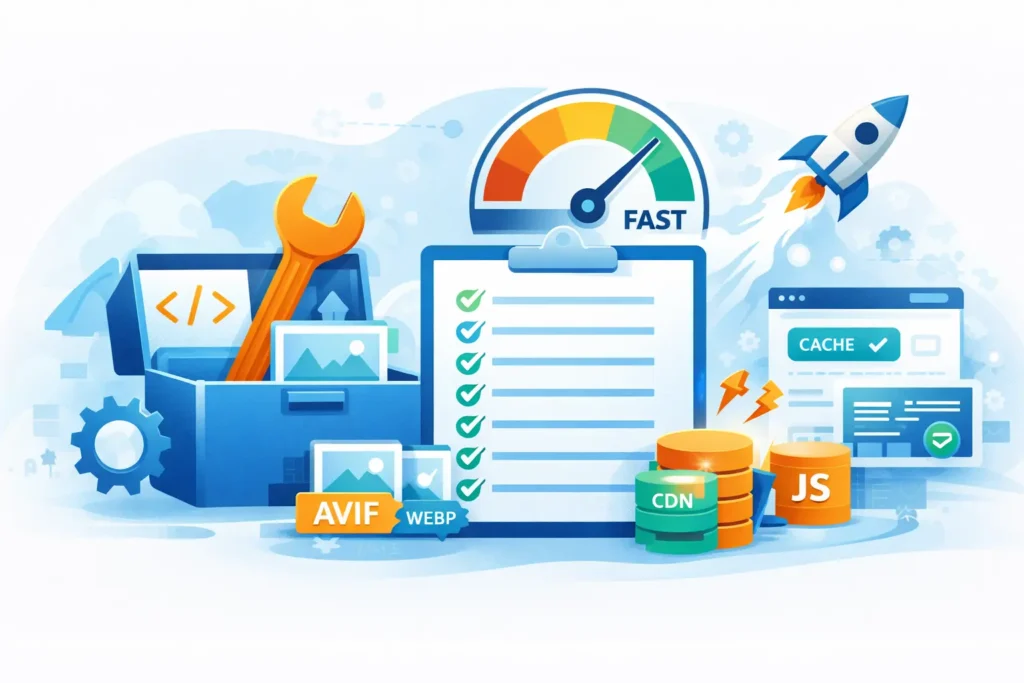
Here’s a simple plan we use when we want real impact fast (not just chasing a score). Do these in order:
Fix #1: Compress and resize images (especially the hero)
Most slow business sites are image-heavy. Make sure hero images are not uploaded at massive dimensions. Convert to WebP/AVIF where possible and lazy-load images below the fold.
Fix #2: Reduce JavaScript weight and delay non-critical scripts
Too many scripts (chat widgets, trackers, sliders, popups) create delays and “laggy” interaction. Aim to defer scripts that aren’t required for the first screen.
Fix #3: Eliminate layout shift (CLS) by reserving space
If your page jumps while loading (buttons move, text shifts), conversions drop. Reserve image dimensions, avoid injecting banners above content, and stabilize font loading.
Fix #4: Improve LCP by optimizing the “largest element”
Often the LCP element is the hero image, headline block, or a large section background. Make that element load first, and avoid heavy effects. Lighthouse explains LCP as measuring when the largest content becomes visible, mapped against real web data.
Fix #5: Optimize fonts (fewer families, preload the right files)
Too many fonts add requests and delay first render. Use fewer weights, enable font-display, and preload only what’s truly needed.
Fix #6: Use caching + CDN (or fix hosting)
If server response is slow, everything is slow. Turn on proper caching, use a CDN, and confirm hosting resources are adequate for your traffic.
Fix #7: Audit plugins and page builder bloat
WordPress and page builders can be great, but they can also load unnecessary assets site-wide. Remove unused plugins, replace heavy sliders/animation libraries, and avoid loading everything on every page.
Pro tip: Run PageSpeed Insights before and after each change, but keep your eyes on the changes that improve Core Web Vitals (INP/LCP/CLS) and real-user experience.
Putting It Together: The Business Rule of Speed
If you want a simple rule you can follow:
-
SEO: speed supports rankings and user satisfaction when content relevance is similar
-
Ads: speed protects your budget and increases conversion efficiency
-
Leads: speed builds trust and reduces drop-offs, especially on mobile
At Potash Digital Agency, we usually turn speed work into a short “Performance Sprint”: audit → fix priority items → measure impact (leads + CWV) → iterate. If you want, you can send one URL and we’ll tell you the top 3 blockers and the quickest path to improvement.
Share on:
Discover More Insights
Stay Ahead of the Competition
Join our newsletter to receive the latest updates in technology and marketing trends straight to your inbox. Stay informed and take the lead